Accelerating Development: From Idea to Production in 30 Minutes with VS Code, GitHub Copilot, and Microsoft Agent Framework
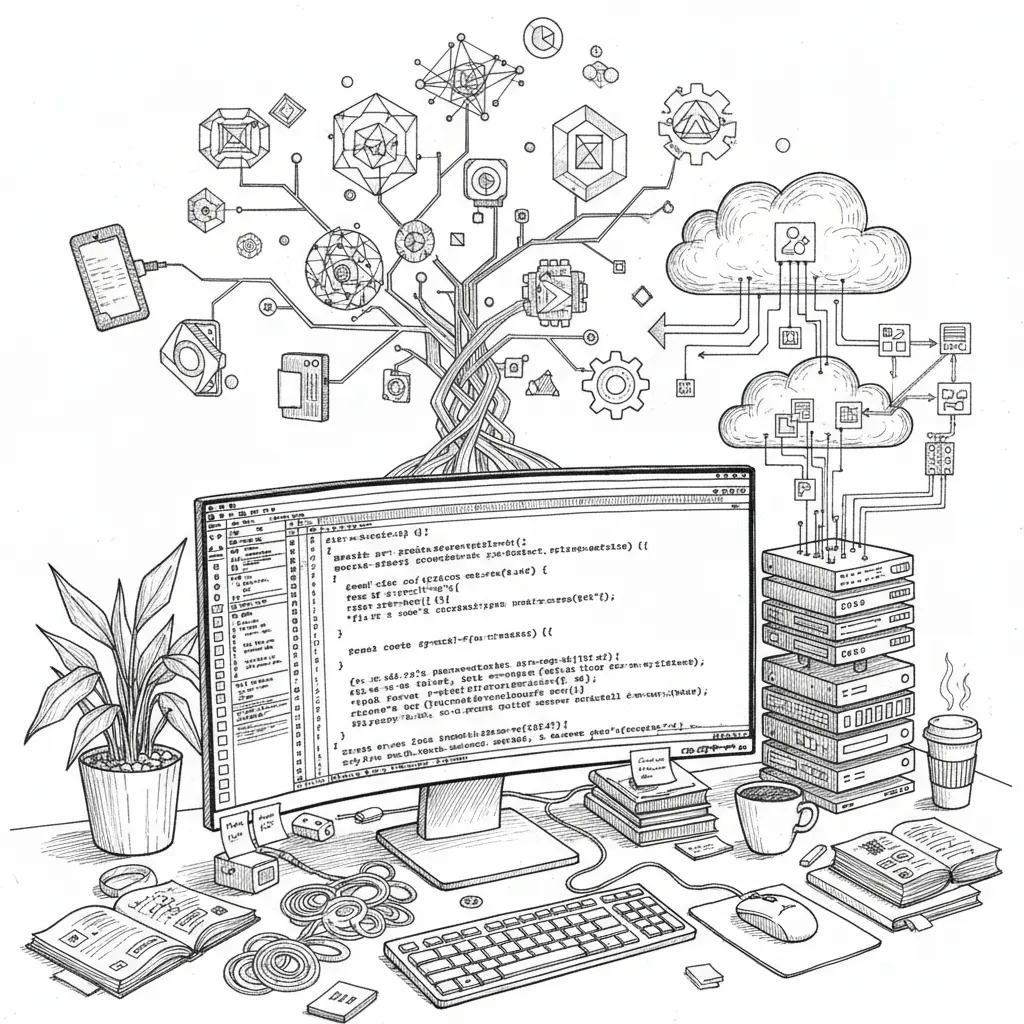
Turning ideas into working applications quickly can be challenging for developers. Recent advances in AI and development tools help accelerate the creation of cloud-native applications by combining natural language prompts with coding environments and AI support.
- Visual Studio Code, GitHub Copilot, and Microsoft Agent Framework together help speed up development.
- Natural language inputs guide code generation and assembly, reducing time to deployment.
- Reviewing AI-generated code carefully and providing clear prompts remain important.
Core Tools in the Development Process
This faster workflow depends on three key tools, each with a distinct role.
Visual Studio Code
Visual Studio Code is a widely used lightweight editor with broad language support and integrations. It serves as the primary environment for writing and managing code in this setup.
GitHub Copilot
GitHub Copilot acts as an AI coding assistant that interprets natural language prompts to suggest code snippets. It helps reduce manual effort by completing functions and generating relevant code segments.
Microsoft Agent Framework
The Microsoft Agent Framework enables building intelligent, cloud-native applications that can understand and respond to user commands, supporting integration and interaction within the app.
From Idea to Deployment
The process begins with the developer describing the application concept in natural language inside Visual Studio Code. GitHub Copilot then translates this into code, while the Microsoft Agent Framework assembles the components into a deployable cloud application.
This approach bypasses many traditional coding steps by using AI to generate and integrate code, which can shorten development cycles substantially.
Points to Consider with AI-Assisted Development
- Code quality: AI-generated code should be reviewed carefully to verify it meets quality and security requirements.
- Developer familiarity: Understanding the generated code is important for maintaining and extending applications.
- Clear inputs: Precise natural language prompts help produce accurate and relevant code suggestions.
Conclusion
The combination of AI tools and development environments shifts how software creation resources are used. While these tools assist with routine coding and support cloud-native designs, developers remain responsible for oversight. This method represents an evolution in workflows rather than a full replacement of traditional coding practices.
Comments
Post a Comment